Spoolt turns a website into short videos and schedules them to TikTok. It talks to TikTok's v2 API with a small client of our own and no SDK: Login Kit to connect an account, Direct Post in the Content Posting API to publish. On 24 August 2026 TikTok's review of our app went live. Every public post still failed with unaudited_client_can_only_post_to_private_accounts.
The cause was a second approval we had never applied for, the Direct Post audit. We lost part of that day to a note that told us to wait, applied the same evening, and were approved nine days later. Until then Spoolt could publish only to private accounts. Meeting the audit changed the product more than the integration: four changes to the scheduling screen, one rule repeated on the server, and one finished feature withdrawn.
The wrong diagnosis: propagation delay
The failure did not puzzle us, because we already had an explanation for it. An earlier working session had left a note: the remaining hypothesis is propagation delay, try again in a few hours. The AI coding agent we work with inherited that note and treated it as a finding three times in a row.
It ended when the person leading the work said that TikTok had approved the app, so the mistake might be ours. After that the answer took ten minutes. This API needs two separate TikTok approvals, and we held only one.
Both are on TikTok's own pages, as they read in October 2026. The prerequisites in TikTok's getting-started guide for Direct Post ask for an app approved for the video.publish scope, and add that content from an unaudited client stays private until the client passes an audit. The Direct Post reference lists our error code as a 403 from video/init: “Unaudited clients can only post to a private account.”
The note cost us hours, not days: the approval, the failed posts, the right diagnosis, the fix and the audit application all fall on 24 August 2026. We did not record how many of those hours the note held.
Two rules came out of it:
- Treat a hypothesis in a note as unverified until someone checks it. This applies most to the kind that says “wait, it will fix itself”: nothing ever proves it wrong, so it can live for days.
- When a provider says “approved” and the permission error continues, read the provider's permission model first: how many approvals exist, and what each one unlocks. A support ticket is the last resort.
TikTok's two approvals: app review and Direct Post audit
The first is the app review, which grants scopes. Ours granted video.publish. An earlier attempt at that review had been rejected because the organization website we entered led to the app's login page and not to the marketing site.
The second is the Direct Post audit, a separate application under the Content Posting API. We had read “approved” as covering both.
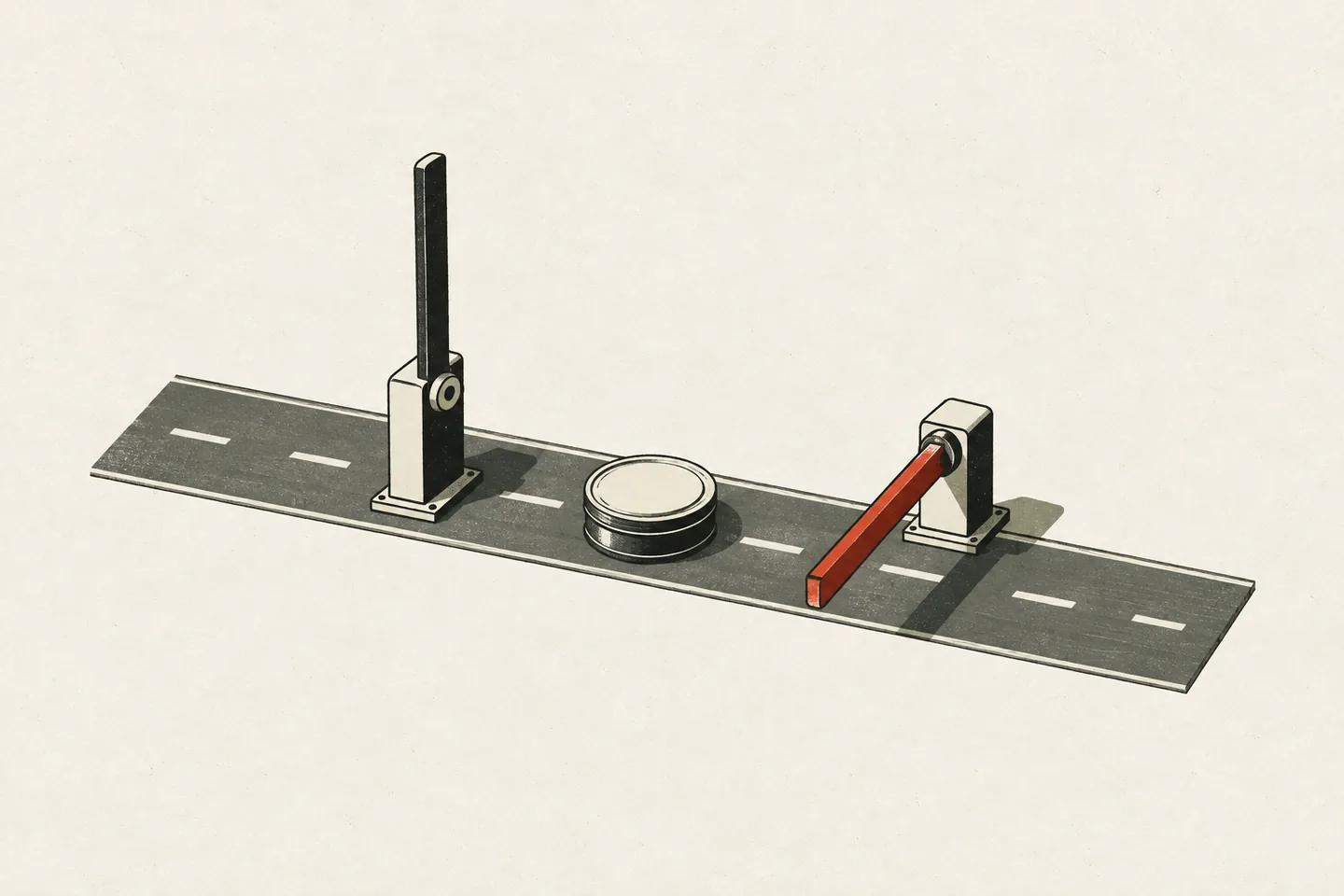 Past the app review, public posts still stopped at the Direct Post audit.
The audit is a different kind of review. Its form asks for supporting documents, and we prepared a screen recording of the whole flow, from the connected account to the published video on the profile. TikTok's content sharing guidelines have a section headed “Required UX Implementation in Your App”. The application is about the interface a person uses as much as the requests a server sends.
What TikTok's guidelines required of the scheduling screen
Parts of the scheduling screen (the composer, in our code) already followed the guidelines. The options panel was built from the live creator_info response, which we also query again before every publish. The privacy dropdown had no preselected value. Comment, duet and stitch started unchecked and were disabled when the creator's own settings disallowed them, and the commercial content disclosure was off by default.
Four requirements were still unmet. We closed them in one change before applying:
- Branded content may not be private. While the branded content toggle is on, the private option is disabled and shows the reason. If the user had already picked private, the choice is cleared so that they pick again, instead of being switched to public without noticing.
- “Your brand” needs its own label. It now shows the “Promotional content” wording. Branded content keeps “Paid partnership”.
- With disclosure on, a type must be chosen. The schedule button stays disabled until one of the two types is picked.
- The review step shows the video. It used to show only the draft's title. It now shows the video's own thumbnail, so the user sees the content before consenting.
The first rule is also enforced on the server, in the schema every scheduling request passes through:
  // Branded content may not be private. The composer already disables the
  // option, but the client isn't the trust boundary — and TikTok rejects the
  // combination at publish time, which would surface as a failed post hours
  // after the user walked away.
  .refine(
    (v) => !(v.brandContentToggle && v.privacyLevel === "SELF_ONLY"),
    "Branded content visibility cannot be set to private",
  );
We treat model output the same way: the prompt asks and code enforces, as in three LLM rules we enforce in code.
We applied for the audit on 24 August 2026. The portal said two to four weeks. It was approved on 2 September, nine days later.
Other TikTok API details: PKCE, scopes, limits, file pull
TikTok expects a hex code_challenge. On 12 August 2026 TikTok rejected our authorize request, which carried no code_challenge. TikTok's Login Kit page for web lists no PKCE parameter (October 2026). The Login Kit page for desktop does, and asks for the hex encoding of the verifier's SHA-256. RFC 7636, section 4.2 defines the S256 challenge as base64url, which is what a standard PKCE library produces. We build the value by hand:
    code_challenge: createHash("sha256").update(codeVerifier).digest("hex"),
    code_challenge_method: "S256",
One unapproved scope fails the whole authorize page. When we requested a scope that the live app version did not hold, TikTok rejected the whole page, which stopped every account from connecting. We took video.list out of the request on 24 August and put it back after the approval on 2 September.
Limits live in constants that the scheduler and the publisher share. After the approval we wrote TikTok's limits down next to our own margins:
| Rule | TikTok's limit | Ours |
|---|---|---|
| Posts to one account in any 24 hours | Varies by creator, typically around 15, shared by all API clients | 15 |
| Gap between two posts to one account | None on the pages linked here | 5 minutes |
video/init requests for one account |
6 a minute per user access token | 3 publishes per run of the publish job, which runs once a minute |
A slot that would break either of the first two rules is refused when the user schedules it, not discovered when it is due.
TikTok fetches the file itself. We publish with PULL_FROM_URL, so TikTok downloads the video from our media URL, on a domain we had to verify in the developer portal. When one path prefix was missing from our public media allowlist, requests for imported clips returned 404 and TikTok failed them with video_pull_failed.
Unconfirmed posts: a state for “may already be live”
The mistake we most wanted to rule out was posting the same video twice. Since 2 September 2026 the publish_id that TikTok returns from the init call is written to the database in its own statement, at once. Before that, an error thrown later in the same step could revert the draft, and a user who sees a reverted draft schedules it again.
A failed init is not always a rejection:
/**
 * Only a 4xx answer (429 included) proves TikTok did NOT create the post. A
 * network error, timeout, 5xx/gateway error, or a 200 whose body we couldn't
 * read may all arrive after TikTok accepted the init.
 */
export function initRejected(err: unknown): boolean {
  return err instanceof TikTokError && err.status >= 400 && err.status < 500;
}
So the init call is retried only on a 429, which we treat as proof that the video was not accepted. For a 5xx, TikTok's reference says “Try again later”. We do not, because sending the call again could create a second post.
Anything that is not a clear rejection has had a state of its own since 22 September 2026. The post is stored as failed with an “unconfirmed” marker, the draft stays scheduled, and the user gets a different email from the ordinary failure one. The calendar offers “Check TikTok” and “Remove from calendar”, and no reschedule. Removing the post gives the draft back, but the post still counts against the plan's monthly allowance, because we cannot tell whether TikTok published it.
A post found stuck in posting fifteen minutes after a crash is treated the same way.
What the approved flow rules out: automatic publishing
TikTok approved one flow: a user opens the scheduling screen, chooses privacy, interaction and disclosure for this post, sees the video, and confirms. The guidelines put the principle in one sentence: “The users of API Clients must have full awareness and control of what is being posted to their TikTok accounts.”
The clearest loss is automation. In August 2026 we had taught series, the recurring runs that generate drafts on a schedule, to render and schedule their own videos. In September we withdrew the scheduling half: a series that asks for it is refused. It still creates drafts and videos, and each one waits for a person to review it and choose its settings in the calendar.
The rule reaches AI agents too. An agent can run Spoolt's calendar over MCP, and its scheduling tool requires the TikTok settings: the tool's description tells the agent to ask the user and never to fill them in. We also wrote one line into the instructions that every agent session on this code starts from: auto-publish stays refused, and nobody should “fix” it.
What we would do from the start next time
- List the platform's approvals and what each one unlocks before writing the integration. Read an error code as a name before reading it as a symptom.
- Build the scheduling screen from the platform's live settings in the first version. The audit is shown the interface, in a screen recording.
- Put every platform rule in the server's schema as well as in the form.
- Give “unknown outcome” a state of its own, and never refund or reschedule from it automatically.
- Expect the approval to stay in the product as a constraint. Ours removed a feature we had already built.