Skip to content
Codebiy

See Every Dev Port, and Who Opened It

Wharfy

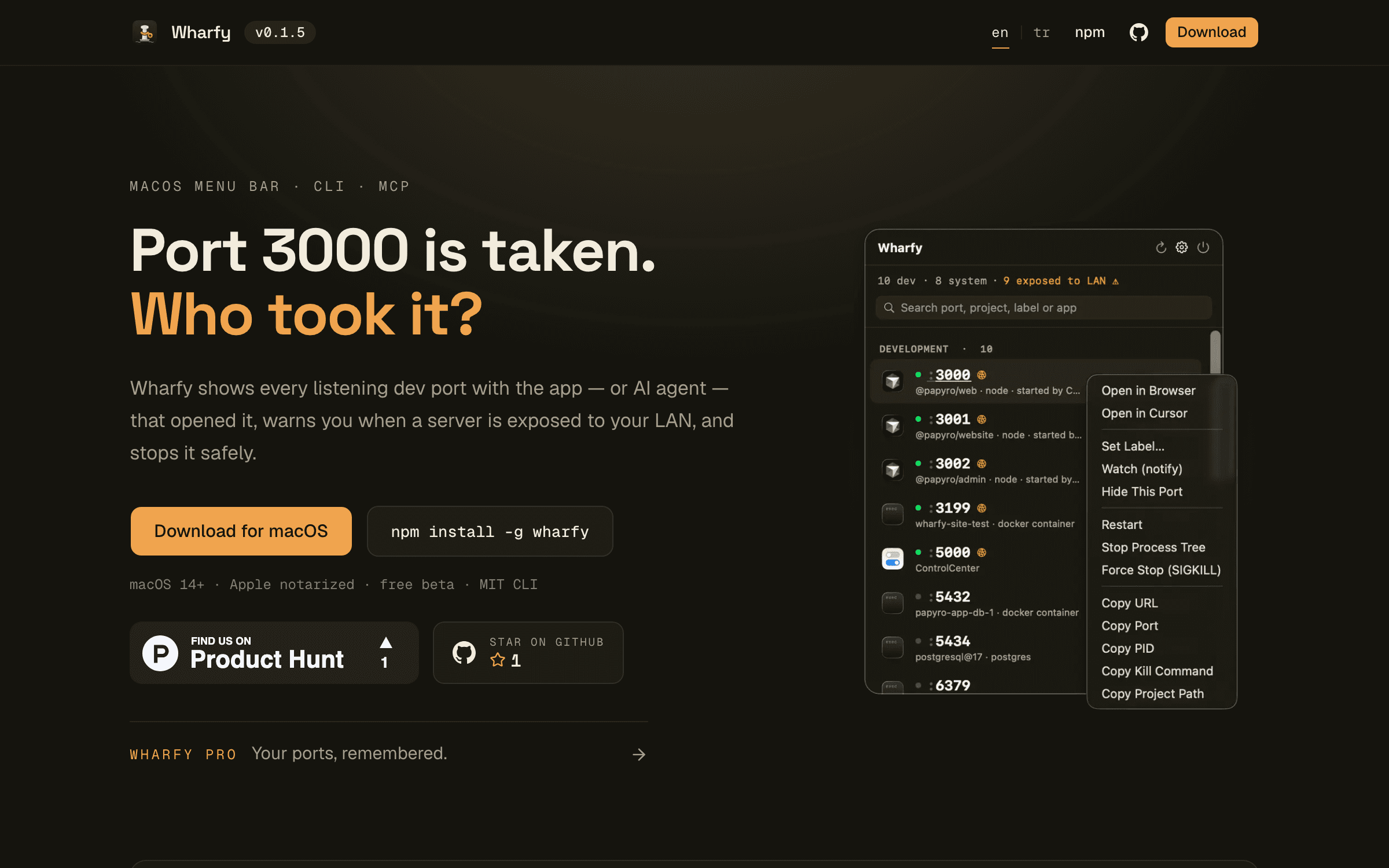
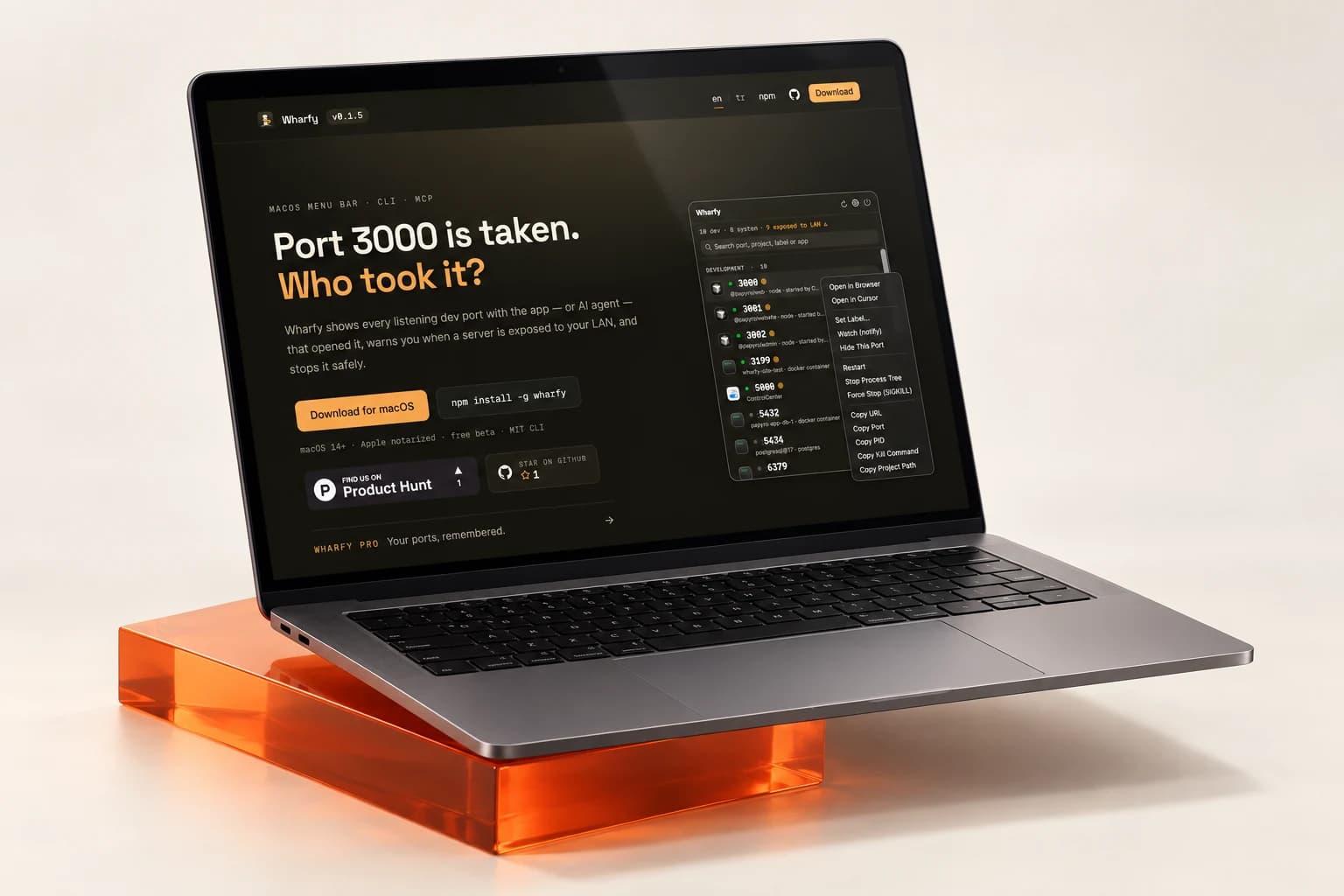
A macOS menubar port manager for developers who work with AI agents. Wharfy shows every process listening on a development port, the project it belongs to, and which agent — Claude Code, Cursor — started it, then lets you kill it safely in one click. A CLI and an MCP server ship alongside it, so your agent can check a port and free it before starting its own server. Distributed as a notarized DMG with Sparkle auto-updates, with the CLI published on npm.

Wharfy answers the question every developer asks a dozen times a day: what is running on port 3000, and who started it? It lives in your macOS menubar and lists every process listening on a development port, resolves each one to its project directory, and shows whether you launched it yourself or an AI coding agent such as Claude Code or Cursor did. Killing a stray dev server no longer means reading lsof output and hoping you picked the right PID. Wharfy shows the full command, the working directory, and the parent process before you act, then terminates it cleanly. The bundled CLI brings the same view to your terminal, and the MCP server exposes it to your agents — so an agent can check whether a port is free and release it before starting its own server, instead of failing on a port collision. Wharfy ships as a notarized DMG with Sparkle auto-updates over an EdDSA-signed appcast, and the CLI is published to npm through OIDC trusted publishing with build provenance, so every release you install can be traced back to the commit it was built from.

Features

  • Menubar list of every listening dev port
  • Process, project directory & full command per port
  • AI agent attribution for Claude Code and Cursor
  • Safe one-click process termination
  • CLI with the same port view in your terminal
  • MCP server so agents can check and free ports
  • Notarized DMG distribution
  • Sparkle auto-updates with an EdDSA-signed appcast
  • npm releases via OIDC trusted publishing
  • Build provenance on every published release

Use cases

  • Freeing a port a dev server left behind
  • Running several agent sessions at once
  • Finding which project owns a running port
  • Letting an agent release its own ports
  • Scripting port checks from the terminal

Benefits

  • Stop guessing what is on port 3000
  • Kill the right process, never the wrong one
  • Know which agent started what
  • One tool in the menubar, terminal, and agent
  • Signed, verifiable releases end to end

Stack

  • Swift
  • SwiftUI
  • TypeScript
  • Node.js
  • MCP

Architecture

A native SwiftUI menubar app inspects listening sockets and resolves each one to its owning process, project directory, and launching agent; a TypeScript CLI and MCP server share the same port model so the menubar, the terminal, and your agents all see identical state.

Deployment

Distributed as a notarized macOS DMG with Sparkle auto-updates over an EdDSA-signed appcast; the CLI is published to npm through OIDC trusted publishing with build provenance.