Tillroll is our iPhone and iPad app that reads a developer's daily App Store sales reports on the device, with the developer's own App Store Connect API key. Apple makes the private half of that key available for download a single time, so the one thing the app must never do is lose it. On 7 October 2026 one of our fixes moved a cleanup to a later point in the launch, where it could have deleted the key.
The cleanup removed a Keychain item left behind by an earlier install, and it recognized a first launch by a flag in UserDefaults. Before the first unlock after a restart, UserDefaults cannot be read and reports no error: an unreadable flag comes back false, like a flag that was never set. After the move, a process started in that state could have reached the cleanup later with a readable key and a flag that still read false.
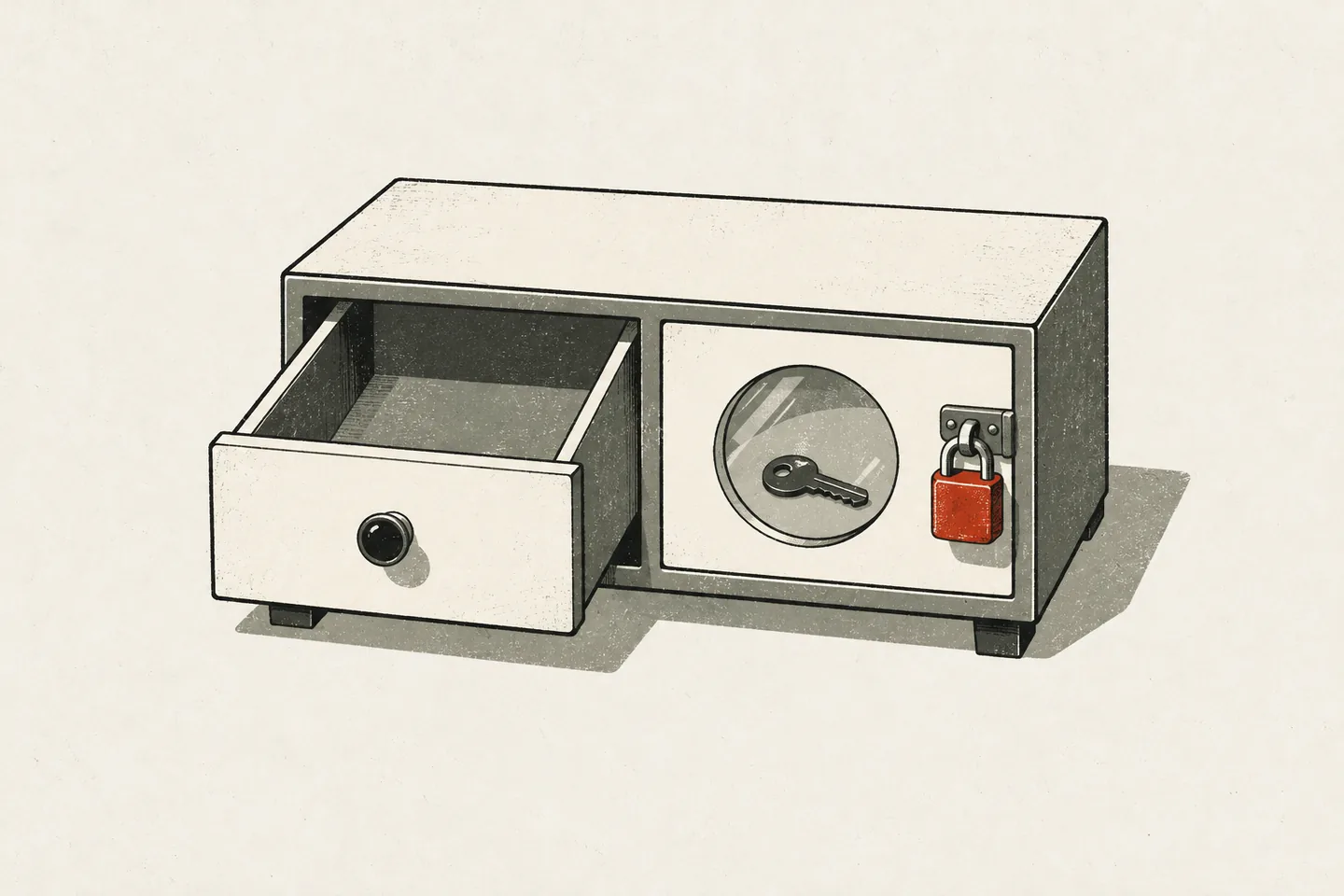 An unreadable value is not a value that was never set.
Tillroll's code is written by AI agents that we direct. One agent wrote the fix; a second, asked to review it, marked the moved cleanup as “critical, suspected”, and it was removed about 45 minutes after the move. We have never seen the deletion happen: the app had only run on our simulators by then, which cannot be put into that state, and it was not yet on the App Store. So no key was lost. Tillroll is written in Swift 6 for iOS 26 and later, built with Xcode 27.0 and run on the iOS 27.0 simulator.
What iOS returns before the first unlock
After a restart, an iPhone keeps most stored data out of reach until someone unlocks it once. Three stores matter here, and each answers differently:
- Files. A file gets the class
completeUntilFirstUserAuthenticationunless you choose another. Apple's page on file encryption says it “is inaccessible until the first time the user unlocks the device”. Reading it throws. - Keychain. An item stored with
kSecAttrAccessibleAfterFirstUnlockThisDeviceOnlycannot be read either.SecItemCopyMatchingfails witherrSecInteractionNotAllowed(-25308). UserDefaults. Its backing file is in the same protected container, but the API has no error to return. An Apple support engineer explained this on the Developer Forums in 2015 and 2016: there is “no way to distinguish” a missing key from a value that cannot be fetched. Sobool(forKey:)returnsfalsefor both.
Whether app code runs in that state is less clear. Apple's launch documentation says the system can prewarm an app after a reboot, with the process suspended “without allowing any application code to run”. The same engineer wrote in 2025 that iOS “generally avoids running third-party code before first unlock, but there are circumstances where that can happen”. We treat it as possible.
The ordinary locked phone is a different state: after one unlock, files and Keychain items of those classes stay readable while it is locked. A background refresh and a push arrive then and need the key, which is why it is stored this way. A separate article covers what Apple's sales reports endpoint returned to us.
How a first-launch cleanup could have deleted the key
The cleanup had a reason. A Keychain item survives deleting the app, so a fresh install would find the key of an earlier one and look connected. The first version ran a check in the app model's initializer. If a launched flag in UserDefaults read false and a key could be read from the Keychain, it deleted the key and set the flag. Before the first unlock that was safe, though only just: the flag read false, but the Keychain read failed as well, and the cleanup deleted only a key it had managed to read.
A first review, by an agent, found another fault there: the initializer also read the user's stored choices from UserDefaults. Started before the first unlock, the app would have shown a connected user the welcome screen for as long as the process lived. The fix deferred those reads to the first refresh at which the flag read true or isProtectedDataAvailable said the phone was unlocked. The cleanup moved with them:
private func restore() {
    let defaults = UserDefaults.standard
    guard !restored, defaults.bool(forKey: Self.launchedKey)
            || UIApplication.shared.isProtectedDataAvailable else { return }
    Self.forgetEarlierInstall(defaults)
    // … then the stored source and currency are read
}

private static func forgetEarlierInstall(_ defaults: UserDefaults) {
    let earlier = try? KeychainStore.load()
    guard !defaults.bool(forKey: launchedKey) else { return }
    if earlier != nil { try? KeychainStore.delete() }
    defaults.set(true, forKey: launchedKey)
}
The second review followed this code through one sequence:
- The phone restarts, and iOS starts Tillroll's process before anyone unlocks it.
- The initializer reads the flag.
UserDefaultscannot be read yet, so the flag isfalseand nothing is decided. - The user unlocks the phone and opens the app. It is still the same process.
- The first refresh calls
restore().isProtectedDataAvailableistrue, so the guard passes whatever the flag says. - The cleanup reads the key, which now succeeds, and then the flag. If
UserDefaultsstill answers as in step 2, this counts as a first launch and the key is deleted.
In the initializer, an unreadable flag had always come with an unreadable key. The move let the cleanup run when the key could be read, and left everything resting on the flag.
Step 5 depends on a point we could not settle: whether UserDefaults goes back to its file after the unlock, in a process that first read it locked. Apple's documentation does not say. In the 2015 thread developers report that it stays empty until the app is restarted; Apple's engineer does not confirm it.
The review therefore marked the finding “critical, suspected”, and the agent coordinating the work decided to make the answer irrelevant. A deleted key cannot be fetched again: without the downloaded file, the user would have to create a new one in App Store Connect.
The fix that followed removed the cleanup. Its cost moved into the privacy policy, which asks users to remove their connections before deleting the app. A reinstall now starts on the welcome screen and ignores a leftover key. Once the user connects, the key is replaced or appears as a connection that can be removed.
The rule: an empty read decides nothing
The rule went into the lessons file that every agent session reads before it starts work:
Nothing is deleted, reset or overwritten because a read came back empty. State that decides what the user sees or keeps lives in a file whose failed read is an error. When a fix changes when code runs, check again what that code can see at the new moment.
The question “is this a new install?” no longer goes to UserDefaults. The chosen data source (none, sample or connected) lives in a small file, written with .noFileProtection because the value is no secret, so it can be read in every lock state. No file means the first launch of an install. A file that exists and cannot be read means “not known yet”: the app shows the welcome screen, writes nothing and reads again at the next refresh. The 2015 thread gives the same advice: keep what background code relies on in a file whose protection you set yourself.
UserDefaults still holds the currency and the period. What it returns is trusted in two cases only: the launched flag reads true, which an unreadable store can never return, or this is a first launch with the phone unlocked, when empty is what is stored. The second case reads isProtectedDataAvailable, a check the same engineer calls “fundamentally racy”. It only decides whether an absence may be believed, never a deletion.
The Keychain wrapper follows the rule as well: it returns nil for errSecItemNotFound only and throws every other status. The engineer's later post describes what this prevents: code that reads a credential and, when the read fails, deletes the item and starts from a factory reset.
Files: missing, damaged and unreadable are separate states
The app keeps a list of connections: one per API key, with the name the user gave it and whether it is paused. An optional would fold three situations into nil, so reading the file returns an enum:
private enum StoredList {
    case book(ConnectionBook)
    /// No file: no list yet. A fresh install, or the data of a build that kept none.
    case none
    /// The file opens and is no list.
    case damaged
    /// The file is there and cannot be read, as before the first unlock after a restart.
    case unreadable(any Error)
}

private nonisolated static func storedList() -> StoredList {
    #if DEBUG
    if DebugLaunch.listLocked { return .unreadable(CocoaError(.fileReadNoPermission)) }
    #endif
    do {
        let list = try Data(contentsOf: listFile)
        return (try? JSONDecoder().decode(ConnectionBook.self, from: list))
            .map(StoredList.book) ?? .damaged
    } catch let error as CocoaError where error.code == .fileReadNoSuchFile {
        return .none
    } catch {
        return .unreadable(error)
    }
}
Only .none on an install that has never connected may look empty. A damaged list, or one that is missing although the install is connected, is rebuilt from the Keychain's keys and the device's report folders, and none of the rebuilt connections is paused: a lost list says nothing about the plan the user pays for. An unreadable list pauses, removes and writes nothing.
The widget's file gets the same treatment. One that exists and cannot be read is asked for again in five minutes. One that opens and cannot be decoded is not retried: reading it again would not help.
What we tested and what we could not
We have no steps that make iOS start an app before the first unlock on a phone. This stands in for a reproduction:
- By reading. A third review checked the locked-phone paths of the fix in the code.
- On the simulator. A fresh install starts on the welcome screen, and a connection survives a relaunch. The
DEBUGbranch in the sample stands in for a locked file: with that launch argument and more connections than the plan allows, the app paused nothing and wrote nothing. - On an iPhone. On 7 October 2026, on a TestFlight build with the phone locked after its first unlock, the notification extension read the key and fetched the newest report. We did not record the phone's iOS version.
An unsigned simulator build is no use here: its Keychain calls failed with errSecMissingEntitlement (-34018), so we sign ad hoc with CODE_SIGN_IDENTITY=-. Still open are whether UserDefaults recovers in a process that first read it locked, and how often iOS starts Tillroll before the first unlock. Neither answer can delete or overwrite anything now: at worst, such a process shows the default currency and period until it is restarted.
What to check in your own app
- For every read at launch, know what it returns before the first unlock: an error, or a value that looks valid.
- Do not decide “new install” from
UserDefaults. Use the absence of a file written with.noFileProtection. - Never delete because a read failed or came back empty. In Keychain code, return
nilforerrSecItemNotFoundonly. - Give “none”, “damaged” and “unreadable” their own cases in the type, so that code cannot confuse them.
- When a fix changes when code runs, check again what that code can see at the new moment.