On 8 August 2026 we merged a rebuild of codebiy.com and pushed it at 15:26. The site is a Next.js 16 app, and after every push to main our deploy tool builds it into a Docker image on the server. The live site kept showing the old design. Two more pushes changed nothing: the server went on answering from a container created four weeks earlier.
All three builds had failed at npm ci. The lockfile was valid. npm 12 had written it on a laptop, and the image, node:22-slim, ran npm 10.9.8, which asked for a package the file does not list. Visitors kept getting the old site, because a failed build leaves the old container running. The fix, pushed 47 minutes after the first push, made the image install npm 12 before npm ci, and that build went live. The failure surfaced that day because the rebuild had put npm ci back: for the eight months before, the image had installed without the lockfile.
November 2025: the fix that stopped the image reading the lockfile
On 25 November 2025 the site's Docker build broke. The image was node:20-alpine and installed with npm ci. That morning we had upgraded the dependencies with bun, which rewrote package.json and bun.lock and left package-lock.json at the old versions. npm ci exits with an error when the lockfile does not match package.json.
We repaired it with an AI coding agent. Between 12:06 and 12:19 the agent made five fixes:
- 12:06: regenerate
package-lock.json. - 12:09: run
npm rebuildin the builder stage. - 12:13: add a new 812-line
package-lock.json, after the old one was deleted at 12:10. - 12:16: keep
npm ci, then runnpm install --no-save lightningcss-linux-x64-musl || trueafter it. - 12:19: stop copying the lockfile into the image and run plain
npm install.
The first fix removed the mismatch and created the problem the other four chased. The site uses Tailwind CSS v4, whose toolchain ships native binaries, lightningcss and @tailwindcss/oxide, as one optional package per platform. The stale lockfile had listed ten builds of the first and twelve of the second. The regenerated one listed one of each, the Mac's own (darwin-arm64), and Alpine needs the musl builds. This matches npm/cli issue 4828, opened in 2022: a lockfile regenerated while node_modules is in place keeps only the current platform's optional packages. npm closed the issue in April 2025 with a fix in npm 11.3.0, and reports of the same behaviour have kept arriving there since. We did not record which npm regenerated our file. The way out is to delete node_modules together with the lockfile and install again.
The fifth fix went another way:
# Copy only package.json (not lockfile) to ensure platform-specific binaries are resolved
COPY package.json ./

# Fresh install to get correct native binaries for Alpine Linux (musl)
# This is necessary because Tailwind CSS v4 uses multiple native packages
# (lightningcss, @tailwindcss/oxide) that require platform-specific binaries
RUN npm install
It made the error go away for good, and it changed what the image is. From that commit on, every production build resolved the version ranges in package.json from scratch, and the lockfile in the repository no longer decided what production ran. At 12:22 we committed a lockfile that listed all of them again, the musl builds included, but the image had stopped reading it three minutes earlier.
The comment above the line says why the change was needed. It does not say what the change gave up, and we did not ask. The install step stayed as it was for more than eight months. It cost us nothing we noticed in that time, which is why it lasted. We also have no record of which dependency versions production ran in those months.
August 2026: a Debian base image and npm ci again
In August 2026 we rebuilt the site, and the image with it. The base image became node:22-slim, Debian instead of Alpine, and the install stage copied package.json and package-lock.json and ran npm ci. For the first time in eight months the lockfile decided what production installed.
We left Alpine because we believed it had forced npm install. Going back through the lockfile's history for this article showed that the belief had no ground after 12:22 on that November day: the file has listed the musl builds ever since, so npm ci should have worked on Alpine too. We have not tested that.
The wrong first diagnosis: we blamed the deploy, not the build
A second push followed at 15:48, and the live site still showed the old design.
We looked at the server first. docker ps showed the site's container created four weeks earlier and untouched. Another of our sites, deployed by the same mechanism, had redeployed minutes after its own push. From that we concluded that the build was not failing: either the deploy was not starting, or the new container could not take the old one's place. We compared the two compose files and removed the two differences that could block a recreate:
container_namepinned the container to a fixed name. Our deploy tool names compose containers itself, and a recreate cannot take a name that a running container still holds.- A second service behind a
devprofile was built from aDockerfile.devonnode:20-alpinewithnpm ci. It was a second build path in a repository with one deploy path.
We suspected this was not the whole cause, and it was not the cause at all. The third push went out at 15:59 and changed nothing.
The cause: npm 10 reading a lockfile written by npm 12
Then we read the build log on the server, where we should have started. Every deploy that day had stopped at the same error. We kept only a shortened copy. These lines come from running npm 10.9.8 on the same package.json and lockfile on 9 October 2026; the long line is wrapped and npm's usage help is left out:
npm error code EUSAGE
npm error
npm error `npm ci` can only install packages when your package.json and
  package-lock.json or npm-shrinkwrap.json are in sync. Please update your
  lock file with `npm install` before continuing.
npm error
npm error Missing: @swc/helpers@0.5.23 from lock file
An untouched container looks the same whether the build failed, the deploy never started, or the new container could not replace the old one. We had ruled out the first, and it was the first.
The message says the two files are out of sync. In November 2025 that had been true; this time it was not. The lockfile, at lockfileVersion 3, contained @swc/helpers once, at 0.5.15, the exact version our Next.js release depends on. The tree also contained @swc/core 1.15.3, which next-intl brings in and which declares an optional peer dependency on @swc/helpers >=0.5.17. The copy at 0.5.15 does not satisfy that range.
The difference was the tool that read the file. npm 12 had written the lockfile with that optional peer left unsatisfied, and its own npm ci accepts the result. npm 10.9.8 wanted a second copy of @swc/helpers inside the range, did not find one in the lockfile, and stopped, because npm ci never adds to a lockfile. An open issue in npm's tracker reports the same with another package: npm 11 and 12 accept such a lockfile in npm ci, and npm 10 fails with a Missing: line. We did not look further into npm than that. Our check before pushing had been to run npm ci locally. It passed, under npm 12.
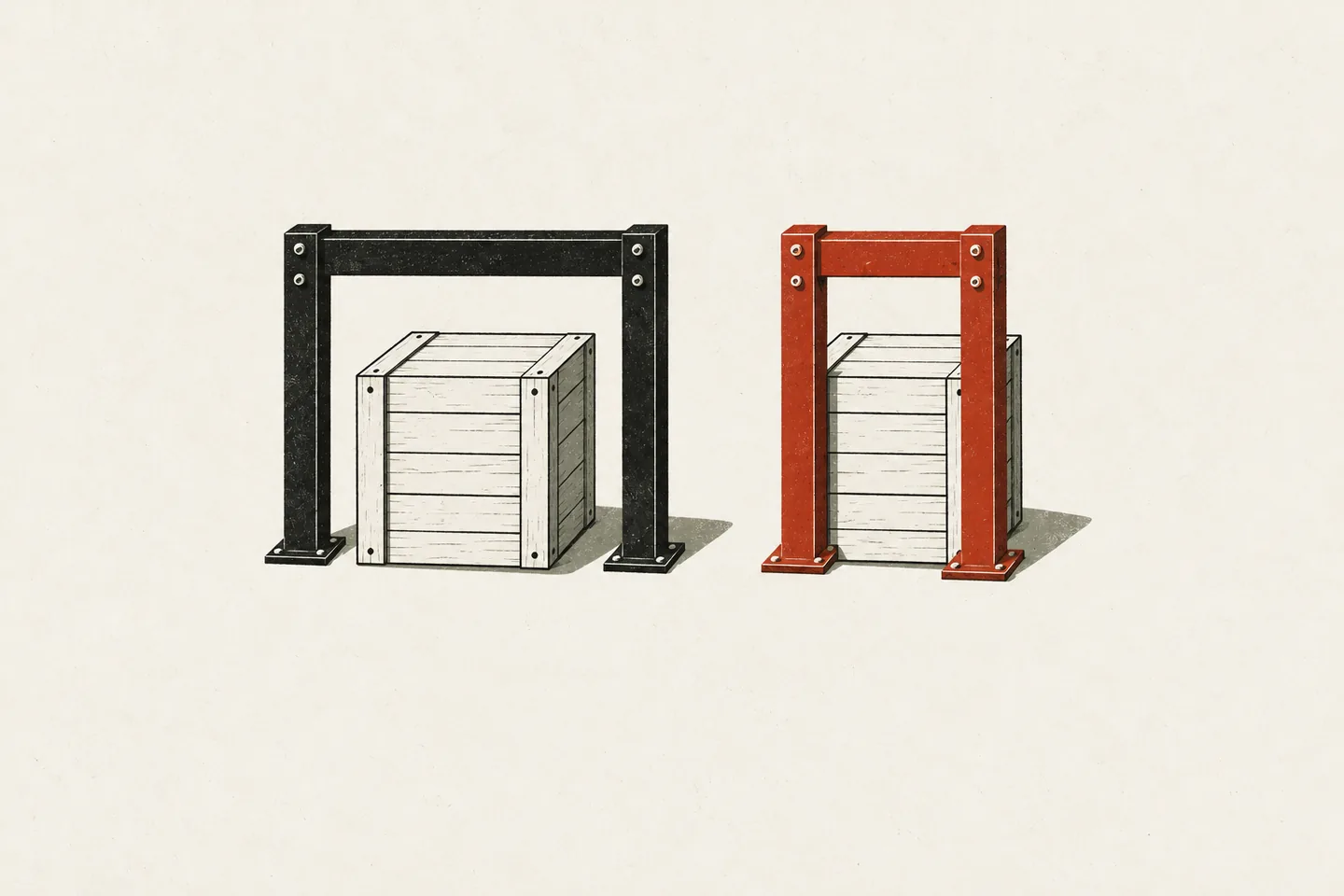 The same lockfile: npm 12 accepts it, npm 10 rejects it.
The fix is one line in the install stage:
FROM base AS deps
# node:22-slim ships npm 10, but this lockfile was written by npm 12, and the
# two resolve the tree differently — npm 10 reports transitive packages as
# "missing from lock file" and `npm ci` refuses. Pinning the image to the same
# major that produced the lockfile is what makes the install reproducible.
RUN npm install -g npm@12
COPY package.json package-lock.json ./
RUN npm ci
We pushed that line 47 minutes after the first push. The build passed and the rebuilt site went live.
The advice at the end of npm's message points the wrong way here. The lockfile was already in sync for the npm that maintains it. Followed in the Dockerfile, the advice is the November fix: replace npm ci with npm install, and the error disappears because the image is no longer held to the lockfile.
NEXT_PUBLIC_ variables as build arguments
The same afternoon the Dockerfile got one more fix for values that are fixed at build time. Next.js inlines NEXT_PUBLIC_ variables into the JavaScript bundle when it builds. Only the analytics id was declared as a build argument. The two ad slot ids the new site needed were not, so setting them on the running container would have changed nothing: the bundle would already contain undefined, and the ad component would render nothing. We caught this before it cost anything. Each value is now an ARG and an ENV in the builder stage, passed through the compose file's build args:
ARG NEXT_PUBLIC_ADSENSE_SLOT_FEED
ENV NEXT_PUBLIC_ADSENSE_SLOT_FEED=$NEXT_PUBLIC_ADSENSE_SLOT_FEED
# ... the same pair for the article slot and the analytics id
RUN npm run build
What the slots do with those ids is in our article on AdSense, consent and the site's CSP.
What we changed, and what is still a habit
Three things changed, so that nobody has to remember them:
- The image installs npm 12 before
npm ci. Which npm reads the lockfile in production no longer depends on the base image. - The site has one lockfile.
bun.lock, 1,010 lines for a package manager the deploy does not use, was still tracked on 8 August 2026. It was howpackage-lock.jsonhad fallen behind in November 2025. We deleted it and added it to.gitignore, which keeps it out of the repository but not off the machine: on 9 October 2026 an ignoredbun.lock, dated 28 September, was back in the working copy. - There is one Dockerfile and one build path.
Dockerfile.devand its compose service are gone.
The rest is still a habit:
- The laptop's npm. Nothing pins it:
package.jsonhas noenginesand nodevEnginesentry. On 9 October 2026 the Mac we develop on reported npm 11, a major behind the image. Homebrew had installed it with Node.js six weeks earlier. npm checks adevEngines.packageManagerentry beforeinstall,ciandrun, which would turn this habit into a check. We have not added it. - Noticing a failed build. It shows in the deploy tool's build log on the server. The push still succeeds and the old container keeps answering, so nothing looks wrong from outside. What we do now is load the live page after a push, look for the change, and read the build log before the container list.
- Checking with the image's tools. A local
npm cionly shows what the laptop's npm accepts. Build the image before trusting it, or at least run the image's npm major. Our article on checking front-end work written by AI agents has other cases where every check passed and the page was wrong. - Asking what a fix stopped doing. The November 2025 fixes were written by an agent in thirteen minutes, and each was a fair answer to the error in front of it. The missing question was ours to ask: the build passes now, so what did we give up to get there?